
Opening soon in BangkokOpening 1 November 2026
A taste of home,delivered in Bangkok
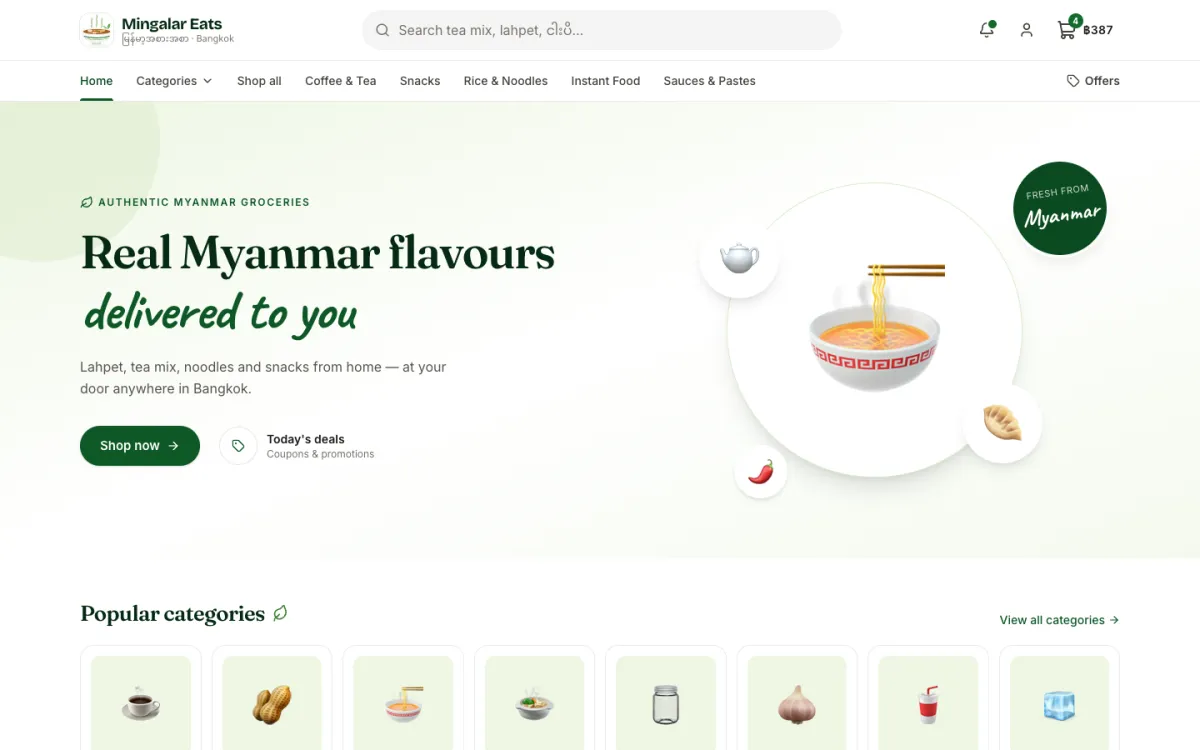
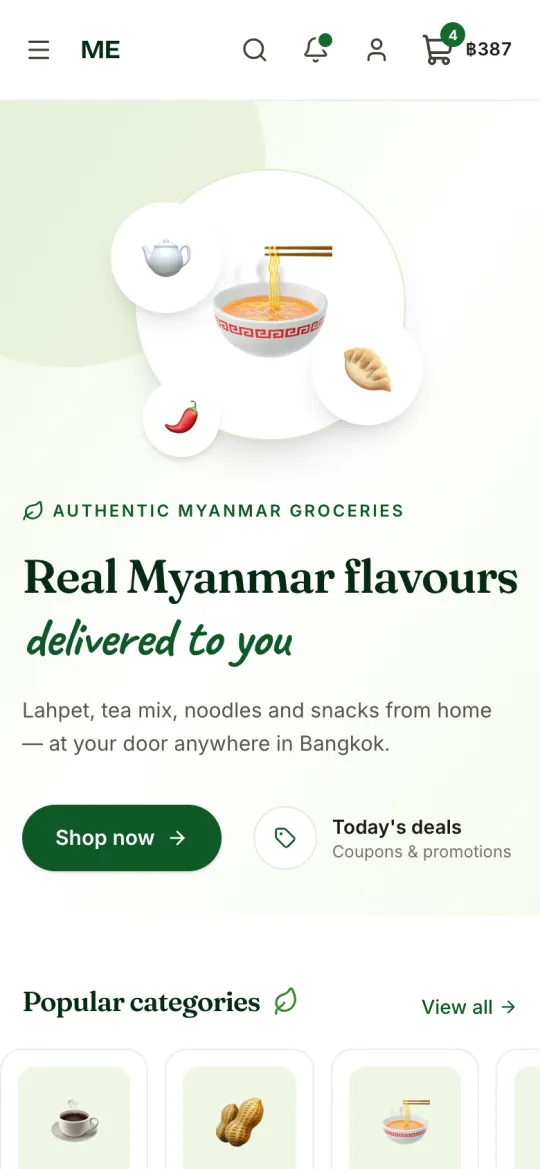
Lahpet, snacks, noodles, spices and everyday Myanmar groceries. Order online, pay by PromptPay or bank transfer, and we deliver to your door anywhere in Bangkok.
- Free delivery over ฿2,000
- PromptPay & bank transfer
- Delivery across Bangkok
- Points on every order
What you’ll find
The Myanmar groceries you miss, all in one place.
Lahpet & tea leaf
Pickled tea leaf, crunchy beans and everything for lahpet thoke.
Noodles & mohinga
Mohinga mix, rice noodles and quick noodle favourites.
Spices & pastes
Ngapi, balachaung, chilli and the flavours of home cooking.
Snacks & sweets
Traditional snacks, sweets and treats to share.
Tea & coffee
Myanmar tea mix, coffee mix and drinks.
Pantry staples
Rice, beans, oil and everyday kitchen essentials.
How it works
Four simple steps from your phone to your door.
- 1
Choose your groceries
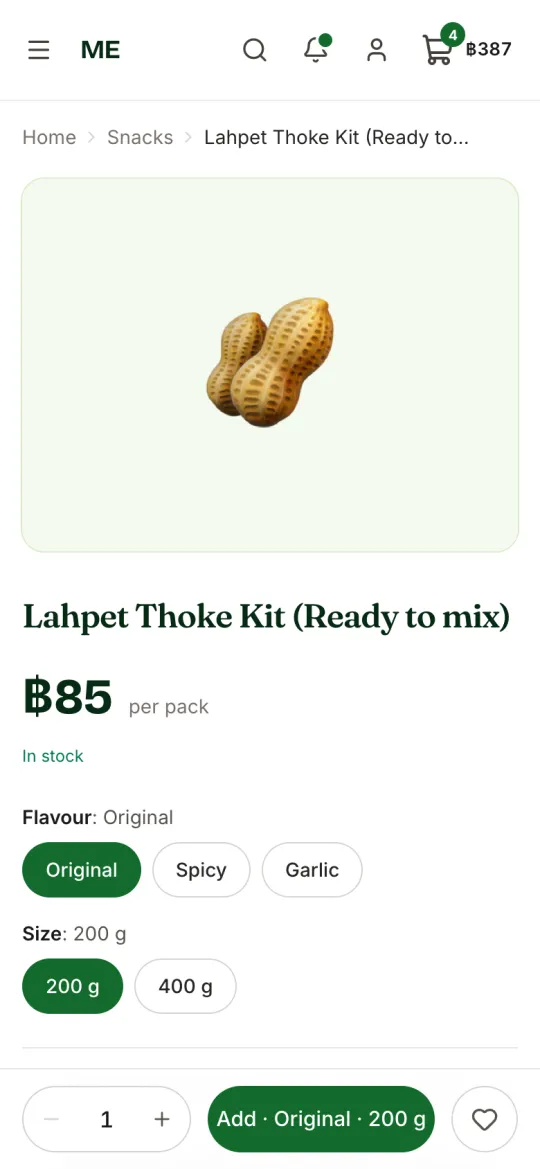
Browse by category or search, pick a flavour or size, and add to your cart.
- 2
Place your order
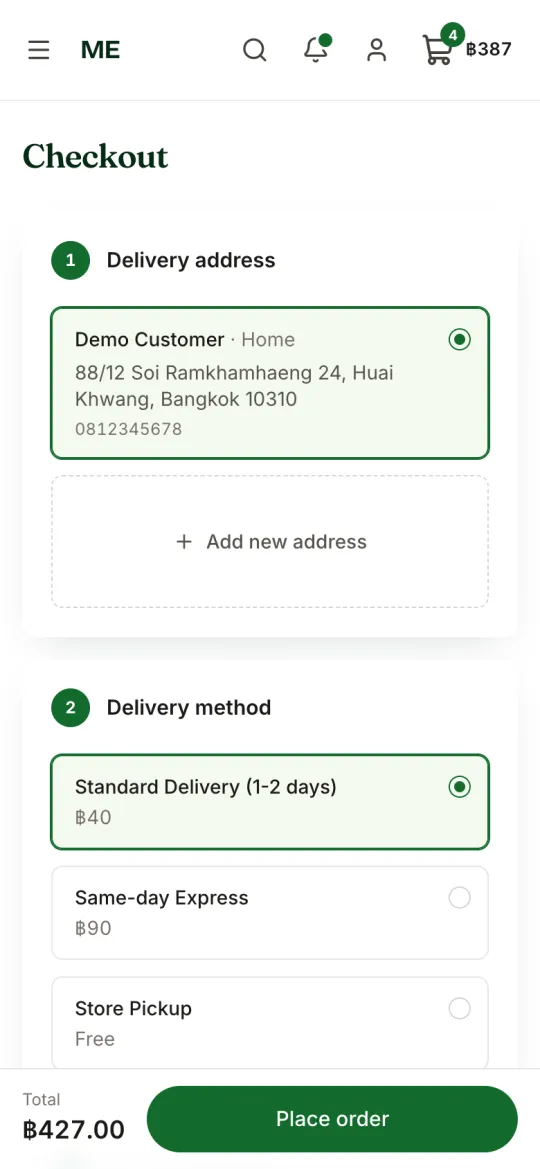
Choose your address and how you want it delivered.
- 3
Pay & upload your slip
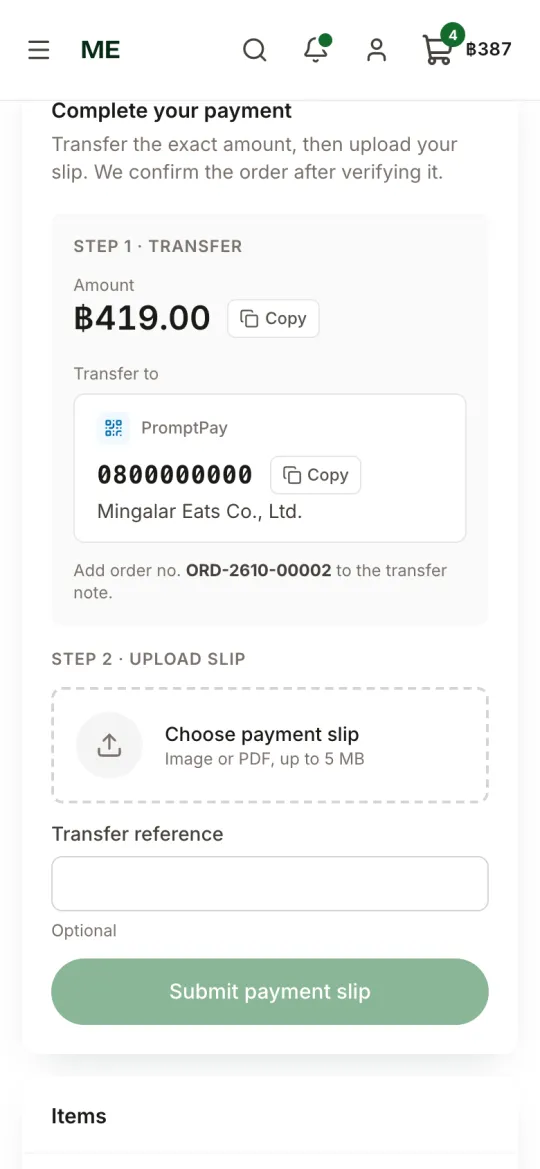
Pay by PromptPay QR or bank transfer, then upload the payment slip on your order page.
- 4
We check & deliver
We confirm your payment, pack your order and send it out. You get an update at every step.
Delivery & payment
Clear prices, no surprises.
Delivery options
- Standard delivery (1–2 days)฿40
- Same-day express฿90
- Pick up from usFree
Orders of ฿2,000 or more ship free (except same-day express).
We deliver anywhere in Bangkok.
Ways to pay
- Bank transfer
- PromptPay QR
- Mobile banking
After you order, pay to the account or QR code shown on your order page and upload your slip. We verify every payment by hand.
Earn points on every order
Get 1 point for every ฿100 you spend and swap them for rewards at checkout.
Shop from your phone or computer
A fast, simple shop that works like an app. Add it to your Home Screen in seconds.
Add ME to your Home Screen
No app store needed. It opens full-screen like an app and can send you order updates.
iPhone & iPad
- 1Open the shop in Safari.
- 2Tap the Share button.
- 3Choose “Add to Home Screen”, then tap Add.
Android
- 1Open the shop in Chrome.
- 2Tap the ⋮ menu.
- 3Choose “Add to Home screen” or “Install app”.
Questions & answers
How do I pay for my order?
How do I upload my payment slip?
How long does payment verification take?
Can I cancel my order?
How much is delivery?
How can I track my delivery?
What if an item is out of stock?
Do you offer wholesale prices for businesses?
How do loyalty points work?
I forgot my password. What do I do?
Say hello
Questions about products or delivery? Message us any time.